 how-to
How to Order Bar Food Online for Pickup
Table of Contents
- Why Order Bar Food Online for Pickup
- Benefits of Ordering Direct from Restaurants
- How to Get Started: Finding Your Restaurant's Online Ordering Platform
- How to Customize Takeout Orders for Your Preferences
- Selecting Your Pickup Time and Completing Checkout
- Curbside Pickup Etiquette for Bars
- Tracking Your Order and Ensuring Food Stays Hot
- Handling Age-Restricted Items and Special Requests
- Frequently Asked Questions
Last Updated: September 27, 2026
How to Order Bar Food Online for Pickup
Knowing how to order bar food online for pickup saves time and keeps your food hot. This guide walks you through every step, from finding your restaurant's online ordering platform to picking up your order at the curb.
Why Order Bar Food Online for Pickup
Ordering ahead means your food is ready when you arrive, no standing in line. Ordering ahead means your food is ready when you arrive, no standing in line.
You can customize your order exactly how you want it, add notes, request no onions, ask for extra sauce. You also control your timing: order at 11:45 AM, pick up at noon. No surprises, no delays.
Benefits of Ordering Direct from Restaurants
When you order directly from a restaurant's website instead of through a third-party app, you avoid delivery fees and service charges. Direct ordering also means faster communication if something goes wrong, access to the full menu (third-party apps sometimes limit items), and the restaurant gets 100% of the sale.
How to Get Started: Finding Your Restaurant's Online Ordering Platform
Many bars use multiple ordering platforms simultaneously, their own website, third-party aggregators, or both, each with different menus and availability. Knowing which one to use saves time and money.
Verify the Restaurant Actually Offers Online Pickup
Not every bar offers online ordering for pickup. Call the restaurant directly or check their Google Business profile for "Takeout" or "Curbside Pickup Available." If their website mentions delivery but not pickup, some platforms may default to delivery-only.
Identify Which Platform the Restaurant Uses
Bars typically use one of three ordering systems:
Proprietary platforms, The restaurant's own website under "Order Online" or "Order Now."
Third-party aggregators, Apps like DoorDash, Uber Eats, and Grubhub. These charge the restaurant commission, which can affect pricing and order priority.
Hybrid setups, Many bars use both their own system and third-party apps, with different availability on each platform.
Check the Restaurant's Website First
Open the restaurant's main website and look for an "Order Online," "Order Pickup," or "Order Now" button (usually in the top navigation bar or hero section). If it takes you to the restaurant's own ordering portal, you've found the direct channel, fastest and cheapest for pickup. If it redirects to a third-party app, the restaurant may not have built their own system.
Cross-Check Third-Party Platforms
If you can't find ordering on the restaurant's website, search the restaurant's name on major third-party apps. When comparing platforms, note: third-party apps may hide items or show outdated menus; pricing may differ; pickup times vary; and customization options are often limited on third-party platforms.
Call Ahead for Confirmation
For first-time or large orders, call the restaurant to confirm they offer online pickup, their system is active, they can accommodate your preferred time, and any special requests are possible.
How to Customize Takeout Orders for Your Preferences
Click on the item you want to order. A customization window will pop up where you can select protein, toppings, sauces, spice level, and dietary restrictions. Use the notes field for specific requests like "no onions" or "extra lime." The system requires selections for multiple customization options, don't skip these, as they tell the kitchen what to make. After customizing, add the item to your cart and repeat for each item.
Selecting Your Pickup Time and Completing Checkout
Review your cart, then select your preferred pickup window (most restaurants offer 15-minute windows). If you need food urgently, pick the earliest time; if flexible, choose 30-45 minutes out to give the kitchen breathing room. Enter your payment method, review the total, and confirm payment. Save your order confirmation number, you'll need it at pickup.
Curbside Pickup Etiquette for Bars
Curbside pickup at bars has its own unwritten rules. Here's how to do it right.
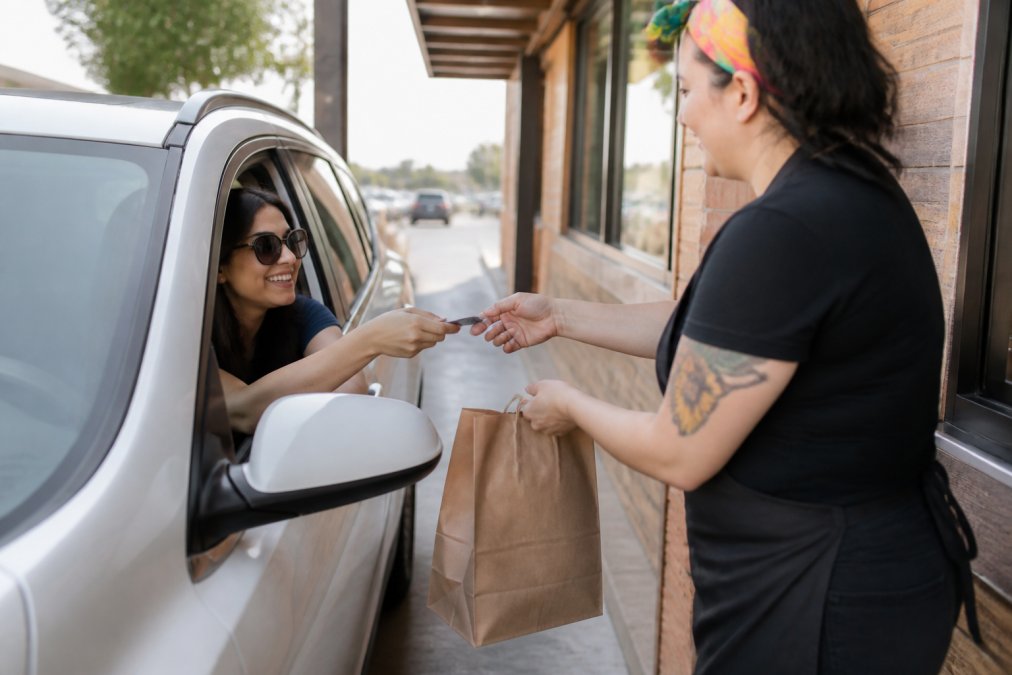
First, arrive within your pickup window. Don't show up 20 minutes early expecting your food to be ready. The kitchen times your order to be done right when you arrive.
Park in the designated pickup area if one exists. Don't block the entrance or other parking spots.
Turn off your engine. This shows respect for the staff and the neighborhood.
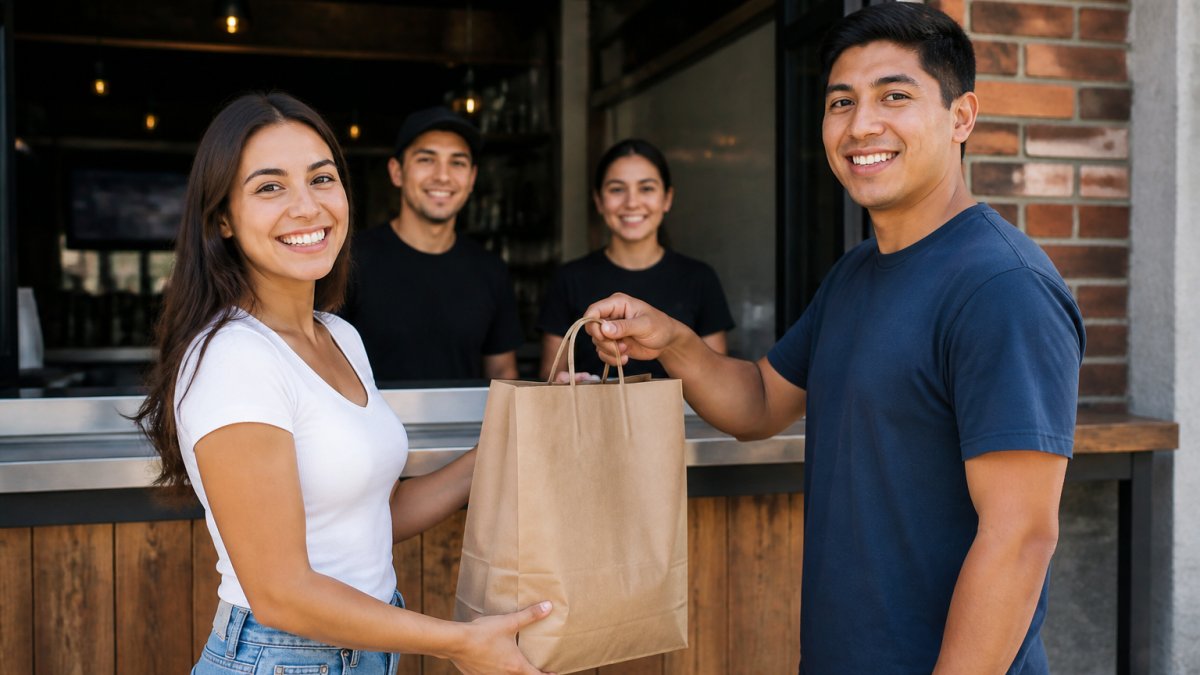
When staff brings your order, be friendly. A simple "thanks" or "appreciate it" goes a long way. These folks are moving fast and handling dozens of orders.
If you're paying with card, have it ready. Make the handoff smooth. Don't make them wait while you dig through your wallet.
Check your order before driving away. Make sure you have everything. It's much easier to fix a mistake right there than to call back later.
If the order is wrong, speak up immediately. Stay calm. The staff will fix it. Mistakes happen, especially during busy times.
Never honk or yell from your car.
Tracking Your Order and Ensuring Food Stays Hot
Most systems send real-time updates when your order is confirmed, preparation starts, and it's ready for pickup. Leave your house about 5 minutes before your pickup window. When you pick up, ask for an insulated bag and place your food on the car floor, not the seat. Avoid opening the bag during the drive. Serve immediately when you get home.
Handling Age-Restricted Items and Special Requests
Alcohol and age-restricted items create unique challenges for online bar food pickup. Unlike delivery (where the driver verifies ID at the door), pickup requires you to understand your state's rules and the restaurant's verification process before you arrive.
Understanding Age Verification for Alcohol Pickup
Most states require ID verification for any alcohol purchase, including pickup orders. However, the rules vary significantly by state and by item type.
Who Must Be Present for Pickup
This is where confusion often happens. State law and restaurant policy determine who can pick up an alcohol order.
Valid ID Requirements
Have your ID ready before you arrive. Acceptable forms of ID for alcohol pickup include:
- Driver's license
- State ID card
- Passport
- Military ID
The ID must be:
- Current and not expired
- Issued by a government agency
- Contain a photo and date of birth
Ordering Alcohol Items Online
When you add an alcohol item to your online order, the system should flag it as age-restricted. You may see a checkbox confirming you're 21+ or a note that ID will be required at pickup.
Dietary Restrictions and Allergies
For non-alcohol special requests, use the customization notes field extensively.
When to Call Instead of Ordering Online
For certain requests, skip the online system and call the restaurant directly:
- Severe allergies, Call to confirm the kitchen can safely prepare your food without cross-contamination. Online notes are helpful but a phone conversation ensures understanding.
- Large orders or catering, Orders for 10+ people or group events should be placed by phone. The restaurant needs to plan prep time and confirm they can accommodate the volume.
- Custom or off-menu requests, If you want something not on the menu, call first. Don't order online and hope.
- Alcohol questions, If you're unsure whether an item contains alcohol or whether it's available for pickup in your state, call and ask. The staff can clarify instantly.
- Timing concerns, If you need food at a very specific time (before a game, for a meeting), call to confirm the restaurant can meet that deadline.
Frequently Asked Questions
What are the main benefits of ordering bar food online for pickup instead of delivery?
Ordering online for pickup skips delivery fees, gets hot food to you faster, and lets you control exactly when you pick up your order. You avoid wait times at the bar counter and can customize your entire order before you arrive.
How do I customize my takeout order when ordering online?
Most online ordering platforms let you modify each item before checkout. Add special instructions in the notes section for requests like extra toppings, sauce on the side, or dietary adjustments. For complex customizations, call the restaurant directly before ordering to confirm they can accommodate your needs. Always review your order summary before paying to catch any missed modifications.
Should I order directly from the restaurant's website or use a third-party platform?
Ordering directly from the restaurant's website typically saves you money since there are no third-party service fees, and the restaurant gets 100% of your order. Direct ordering also gives the kitchen the most accurate information about your preferences. Third-party platforms offer convenience if you want to order from multiple restaurants at once, but may include additional fees.
What should I know about picking up food at a bar, especially age-restricted items?
When picking up alcohol or age-restricted bar food orders, bring a valid ID. Most bars require ID verification at pickup regardless of who placed the order. Be prepared to show your ID quickly to speed up the process. If someone else is picking up your order, make sure they have valid ID and that the restaurant allows this, many require the person who placed the order to pick it up themselves for age-restricted items.